How to Make a Type Beat Video for YouTube (The Right Way)
Uploading a raw audio file to YouTube doesn't work. Artists browsing beats make split-second decisions based on what they see before they even hit play — your thumbnail, your title, the overall look of your video. If it looks thrown together, they move on to the next result.
This guide covers every step: from exporting your beat to publishing a fully optimized video that actually ranks in search. Each step is based on what the top-performing type beat channels are actually doing, not generic YouTube advice.
Why the Video Side of This Matters More Than Producers Think
YouTube is simultaneously a search engine and a streaming platform. That means your video affects three things at once:
Watch time. A visually clean video keeps people watching longer, which signals to YouTube that your content is worth promoting to more people. For type beats specifically, artists who stay past the intro hook are evaluating whether to buy — every extra second of retention is commercial intent.
Click-through rate. Your thumbnail competes with dozens of other results in search. Analysis of top-performing type beat channels shows that CTR differences of even 1-2% compound significantly over a catalog of 100+ videos. A stronger thumbnail means more clicks, more views, and more algorithmic distribution.
Channel authority. Consistent visuals make your channel look like a real operation. Artists who discover one beat then visit your channel page are making a trust assessment before spending money on a license. A channel with coherent branding converts more of those visits into actual purchases.
None of this requires being a designer or video editor. It requires having a system and applying it consistently.
Step 1: Export Your Beat Properly
Before anything else, bounce your beat as a high-quality WAV file — minimum 44.1kHz / 24-bit from your DAW (FL Studio, Ableton, Logic, whatever you use). Keep your master around -1dB true peak. YouTube applies its own compression pipeline to every upload, so leaving that headroom prevents distortion on playback.
If you're working in a louder genre (trap, drill), your master may already be sitting at -0.5dB. Pull it back slightly for the YouTube export — the perceived volume difference is negligible but the distortion prevention is real.
MP3 exports are technically accepted by YouTube but WAV preserves quality through the platform's re-encoding process. For a product you're selling licenses on, the audio quality ceiling matters.
Step 2: Choose Your Visual Format
Most successful type beat videos fall into one of three formats. Each has trade-offs.
Static image + artist info overlay — the most common format among high-view channels. Clean, fast to produce, and professional-looking when done well. Works for every genre. The image can be an AI-generated visual, an artist photo, or abstract artwork — as long as the thumbnail and in-video image are consistent.
Looping video background — a dark atmospheric clip (city at night, rain, smoke, abstract motion) behind your beat information. Effective for trap and drill aesthetics. Harder to execute well for R&B or lo-fi without looking off-brand. Requires sourcing or generating the background footage.
Waveform animation — a moving audio visualizer that reacts to the beat in real time. Looks distinctive and tends to have stronger visual identity than static formats. Adds production time if you're building it from scratch in After Effects or a similar tool.
Whichever format you choose, your video must display:
The beat title
Your producer name or channel branding
BPM and key (artists need this to evaluate fit quickly)
A purchase link or contact email visible on screen
Artists making quick decisions while browsing need this information immediately. If they have to dig for it, most won't.
Step 3: Design Your Thumbnail
The thumbnail is the single highest-leverage element in your entire upload. Data from YouTube itself confirms that thumbnails can increase click-through rates by 30-40% when optimized — and CTR is one of the clearest algorithmic signals YouTube uses to decide how widely to distribute a video.
A strong type beat thumbnail has three elements:
Clarity at small size. Over 70% of YouTube views happen on mobile, where thumbnails display at approximately 2 inches wide. Design at full resolution but test your thumbnail shrunk down to ~200 pixels wide. If the text is unreadable or the image becomes unidentifiable at that size, simplify before publishing.
Visual differentiation from the competition. Open YouTube and search your target keyword. Screenshot the results page. Your thumbnail needs to stand out from what's already there. If every result uses a dark background with a rapper photo in white text, a thumbnail with a distinctive color or visual approach will pull disproportionate clicks. Pattern interruption is a real mechanism — the eye moves to the anomaly.
Consistency across your catalog. Channels with consistent thumbnail systems see higher CTR from returning visitors because brand recognition builds click propensity over time. Pick a color palette, a font, a layout structure — and apply it to every upload. The only variables per thumbnail should be the artist image and the beat name text.
The practical problem: designing a custom thumbnail for every upload is genuinely time-consuming. For a producer putting out 4-5 beats a week, opening Canva or Photoshop for each one adds up to hours of weekly overhead that could be studio time.
Step 4: Build the Video Without Losing Your Day to It
Traditionally, one type beat video meant: building a visualizer in After Effects, designing a thumbnail in Photoshop or Canva, doing keyword research separately, writing a title and description. Three hours minimum, per beat, every week. At 4 uploads per week that's 12+ hours of non-music work — for most producers, that's not sustainable alongside actually making music.
Typeflick was built specifically to compress this entire pipeline. The workflow is: upload your audio file, select from three AI-generated thumbnails matched to your genre (Dark Trap, R&B, Lo-Fi, Drill, and more), then publish immediately or schedule for a future time. No image sourcing, no design software, no separate tools.
Beyond the video itself, Typeflick handles SEO automatically — optimized titles following the formula that top-performing channels use, full descriptions with relevant keywords, and niche-specific tags. The built-in Niche Finder shows search volume by artist or style, competition scores, and opportunity ratings, so you can identify keywords with real demand before deciding which beat to upload next.
For producers releasing beats consistently, the difference in operational overhead is significant. Each upload taking minutes instead of hours means a high-volume schedule doesn't have to compete with studio time.
Step 5: Optimize Your Metadata
If you're using Typeflick, the metadata is generated automatically. But understanding what good SEO looks like lets you review and adjust when needed — and the structure matters enough to get right.
Title formula. The most consistently successful type beat title structure across high-performing channels is:
[LICENSE SIGNAL] [Artist Name] Type Beat [Year] - "[Beat Name]" | [Secondary Artist] Type Beat | [Genre/Mood] [Year]Example: [FREE] Drake Type Beat 2026 - "Midnight" | 21 Savage Type Beat | Hard Trap Instrumental
Every element has a function. The license signal ([FREE]) appears in ~85% of top-performing titles and filters buyer intent immediately. The artist name is the primary keyword — it goes first, after the license signal. The year tag signals freshness to artists looking for current sounds. The beat name in quotes differentiates your video visually in search results. The secondary artist doubles your ranking potential by targeting a second search query with the same video.
Description. Minimum 200-300 words. Structure it as: beat store link first (visible without expanding), then beat info (BPM, key, style), then keyword-rich paragraph, then licensing details, then social links, then hashtags at the bottom. The first two lines are critical — most viewers never click "more," and YouTube weights those first 100-150 characters heavily for indexing.
Tags. Use all 500 characters YouTube allows. Layer them: primary artist + "type beat," secondary artist combinations, genre tags (trap, melodic trap, drill), mood tags (dark, aggressive, sad, melodic), and format tags ("free type beat," "free instrumental," "free for profit").
Category. Always set to Music. YouTube uses category as a signal for recommendation targeting — you want your video competing in the music discovery pool, not miscategorized as general content.
Thumbnail. Never use YouTube's auto-generated thumbnail. Upload your custom artwork every time without exception. Auto-generated thumbnails are almost always a frame from the video that communicates nothing useful at search result scale.
Step 6: Publish on a Consistent Schedule
The YouTube algorithm in 2025 and 2026 doesn't just evaluate individual videos — it evaluates channels as patterns. A channel that publishes 3-4 properly optimized videos per week, consistently, for months, builds significantly more algorithmic momentum than a channel that posts daily for six weeks and then burns out.
Analysis of 5 million YouTube channels by VidIQ (June 2024-June 2025) found that channels posting 12 or more times per month grow views 53% faster and gain 66% more subscribers than those posting 1-3 times monthly. But the same dataset shows that consistency outperforms raw frequency — a predictable schedule grows channels faster than erratic posting even at higher volume.
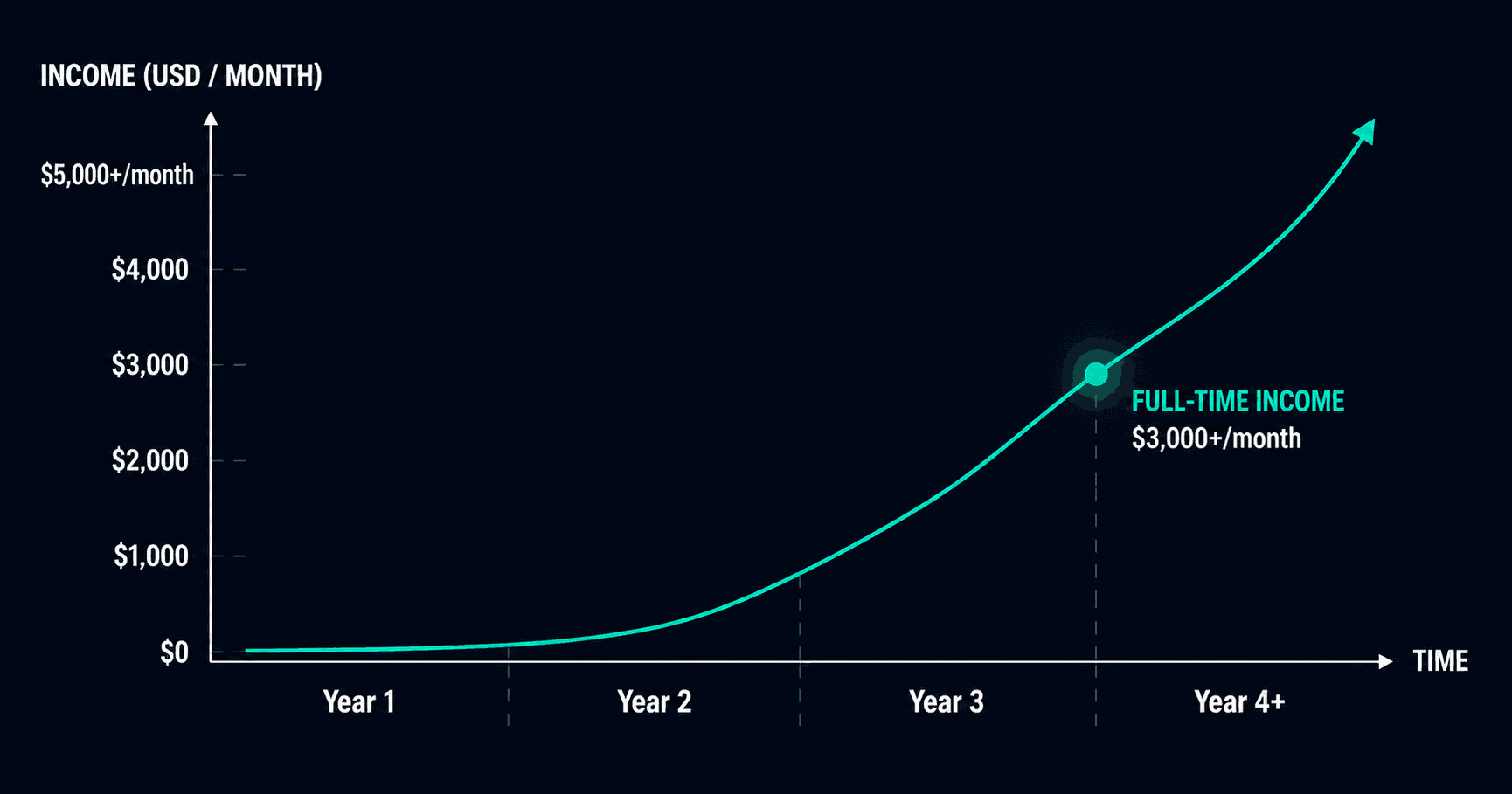
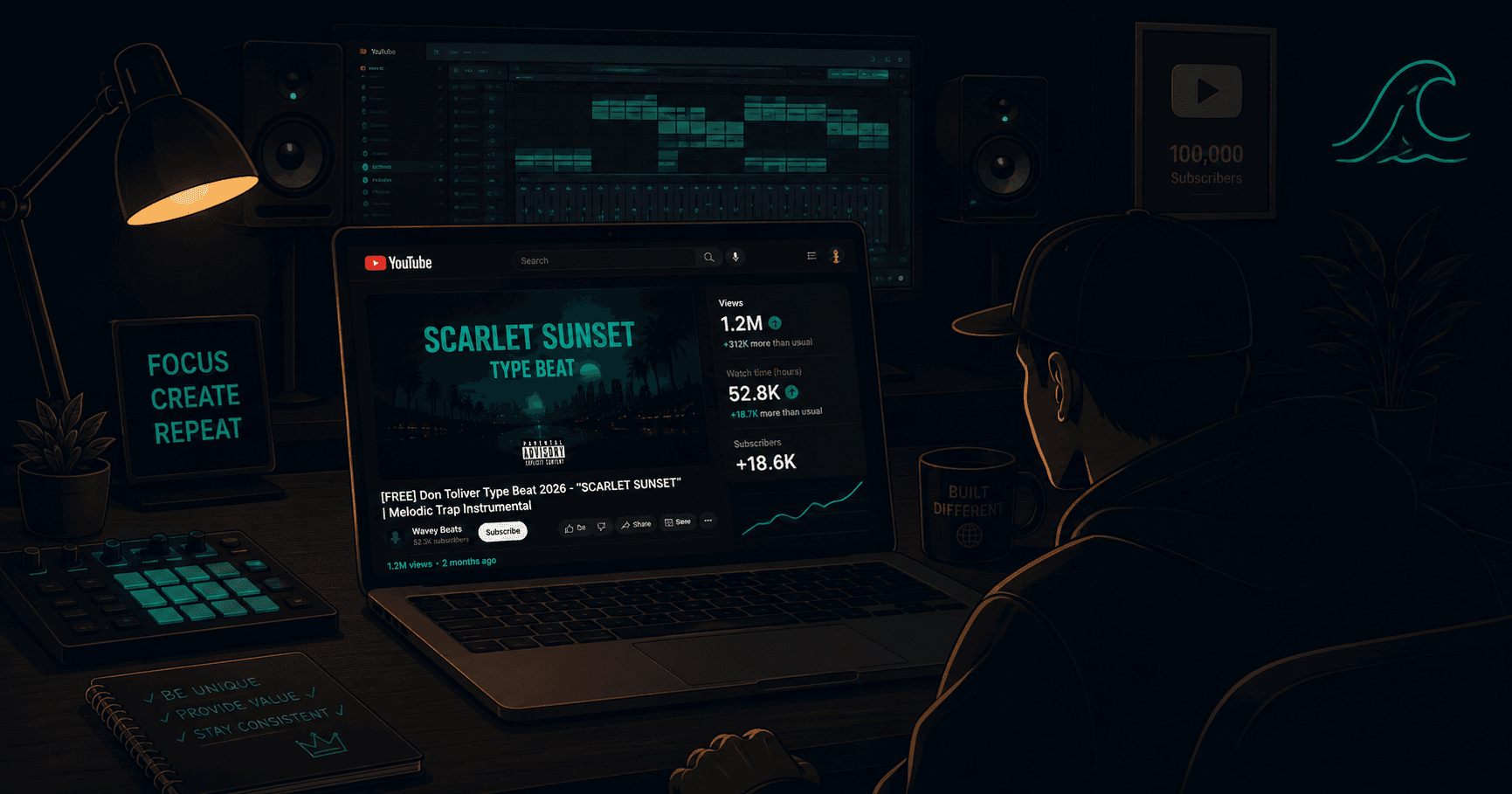
For type beat channels specifically, the search-driven nature of the traffic model means every properly-optimized upload is a permanent asset. A beat video that ranks for "Don Toliver type beat 2026" generates search traffic for months or years after upload. The catalog compounds. Each new upload adds to a body of searchable content that keeps working after you've moved on to the next beat.
Three to five videos per week is the practical target for producers serious about channel growth. The constraint isn't making enough beats — most producers are making more than they publish. The constraint is the packaging overhead per video, which is exactly the problem automation tools like Typeflick address.
Step 7: Push Your Video After Publishing
Publishing is not the end. The first 24-48 hours shape how a video starts: early engagement (CTR, watch time, likes, comments) is what YouTube has to work with when deciding initial distribution. Driving external traffic during that window gives it more to go on. It is a head start, not a verdict — plenty of beats find their audience through Search weeks or months after upload.
Short-form repurposing. Cut 15-30 seconds of the most compelling part of the beat — usually the hook or the first drop — and post it as an Instagram Reel or TikTok with "Free for profit ↓" and a link in bio. Artists browsing short-form who like what they hear will search for the full beat.
Community distribution. Reddit communities (r/trapproduction, r/makinghiphop, r/beatmakers), Discord servers for producers and artists, and relevant Facebook groups are all distribution channels where your target audience is actively listening. One genuine post in the right thread can drive hundreds of qualified views.
Playlist organization. Group your beats by genre, mood, or artist style on your channel. Playlists increase session watch time — when an artist finds one beat they like and a playlist queues up three more, each additional view signals engagement quality to the algorithm.
Beat store cross-linking. Add your YouTube video link to the corresponding beat on your BeatStars or Airbit store page. Artists who find your beat in the marketplace and want to hear the full version click through — creating a traffic loop between your store and your channel.
The System Is More Important Than Any Single Upload
The producers whose type beat channels are growing consistently in 2026 aren't necessarily making better beats than the ones stuck at 30 views per video. They've built a system — consistent visual identity, proper SEO on every upload, regular publishing cadence — and they apply it without exception.
One great video doesn't build a channel. A hundred properly-executed videos build a channel. The objective isn't to go viral once. It's to create a catalog of searchable assets that keeps driving discovery and sales while you're in the studio working on the next one.
Start with one upload. Go through every step. Publish it. Then do it again tomorrow.
For more on the specific elements covered here: The Type Beat Title Formula: What Top Producers Actually Use · Type Beat Thumbnail Design That Actually Gets Clicks · How Often Should You Upload Type Beats?
Keywords: how to make a type beat video for YouTube, type beat video tutorial 2026, type beat YouTube upload guide, beat video production, type beat SEO optimization, YouTube type beat channel growth